
Build better daily routines with a focused habit tracker.
Habitly removes clutter and multi-step dialogs. Designed around a direct, friction-free interaction loop so you can see your goals, tap to complete, and continue your day.
The Habitly Principle
Friction is the enemy of habit building. Habitly makes tracking instantaneous.
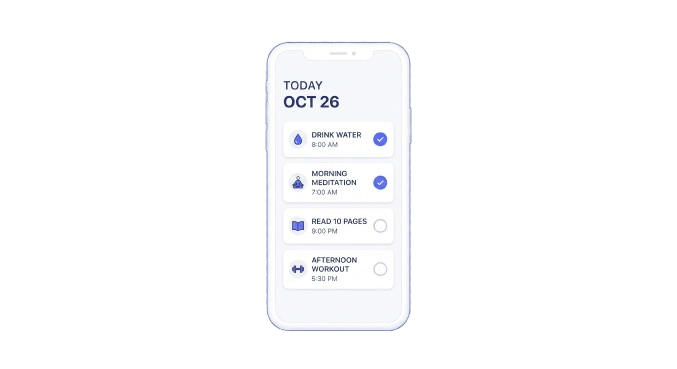
1. SEE
Glance at your scheduled routine for today. Clean visual hierarchy with zero distractions.
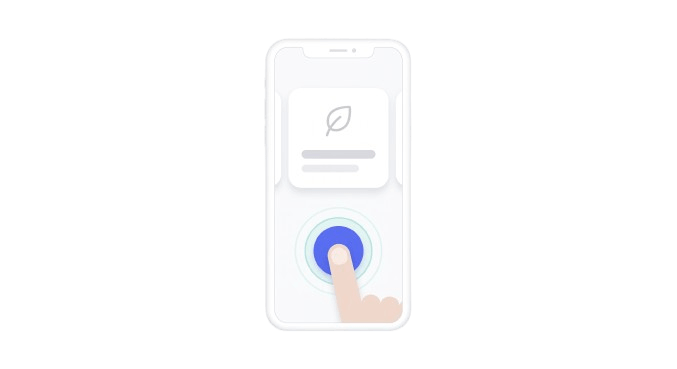
2. TAP
A single tap marks a task done, increments a counter, or logs progress with immediate tactile haptic feedback.
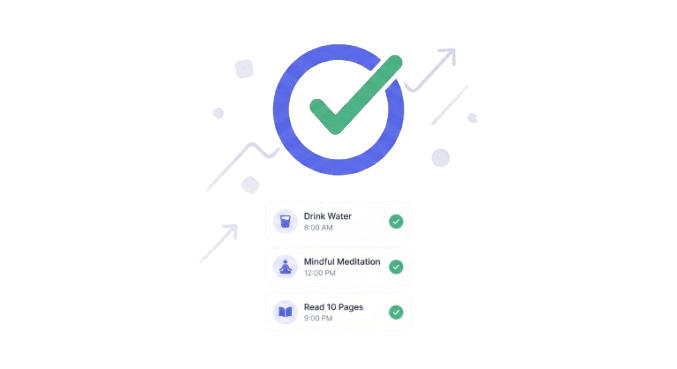
3. DONE
Instant streak updates, progress bars, and widget updates without waiting for unnecessary screens.
Six Dedicated Tracking Modalities
Not every habit is a simple checkmark. Habitly supports six distinct tracking types to match your real-world routines.
Done / Not Done
Binary completion for everyday habits. One tap toggles between completed and pending with zero extra steps.
Count Tracking
Numeric target tracking with inline quick +1 increment buttons directly on the row or widget.
Duration Timer
Time-based habit tracking measured in minutes or hours with dedicated logging dialogs.
Quantity & Metrics
Custom numeric values paired with personalized units (kilometers, milliliters, pages, etc.).
Rating Scale
Qualitative assessment scored from 1 to 5 to record mood, energy levels, sleep satisfaction, or focus.
Sub-Task Checklist
Multi-item compound habits broken down into smaller sequential tasks required for daily completion.
Home-Screen Widgets with Instant Response
Interact with your habits right from your Android wallpaper. Habitly implements five canonical AppWidgets powered by native Kotlin receivers with sub-10ms UI updates.
| Widget Name | Grid Size | Description & Functionality | Direct Tap Action | Habit Selection |
|---|---|---|---|---|
| Today's Routine | 4×2 | Shows up to 4 routine habits scheduled for today alongside overall daily completion progress. | ✓ Yes (Tap row to toggle) | Automatic (Today's list) |
| Quick Tasks | 3×2 | Compact overview of today's key routine tasks with remaining counter badge. | ✓ Yes (Tap checkbox to toggle) | Automatic (Today's list) |
| Next Habit | 2×1 | Highlights the next scheduled incomplete habit with scheduled time. | ✓ Yes (Tap "Done" to complete) | Automatic (Next scheduled) |
| Quick Complete | 1×1 | Dedicated tracker for a single habit. Tap anywhere to toggle completion or increment count. | ✓ Yes (<10ms instant response) | Required (Pick on placement) |
| Monthly Progress | 1×1 | Dedicated monthly ring tracker with percentage, ratio, and custom circular arc bitmap. | No (Opens habit details) | Required (Pick on placement) |
HabitlyWidgetActionReceiver updates the Android RemoteViews immediately on the main thread in under 10 milliseconds, while persisting your change to the SQLite database asynchronously in the background.
Local-First Storage & Google Drive Backup
Your habits are personal. Habitly is built from the ground up to respect your data ownership and work completely offline.
100% Local-First by Default
All habits, schedules, completion histories, and preferences are stored exclusively on your device in a local SQLite database (habitly.db). No internet connection or user account is required to use Habitly.
Non-Sensitive Google Drive Scope
Cloud backups use https://www.googleapis.com/auth/drive.file. Habitly can only create and access its own backup file (habitly_backup.json). It has zero access to any other files or folders in your Google Drive.
Separate Delete Operations
Deleting a cloud backup from Google Drive does not alter or erase your local habits, and deleting local habits does not alter remote backups unless explicitly synchronized.
Smart 3-Way Merge Engine
When restoring from a backup, Habitly offers both "Replace All" and "Smart Merge" to reconcile local and cloud data without accidentally overwriting newer completions.
Actionable Alarms & Incomplete Reminders
Stay on track with precise notifications that allow you to take action directly from your Android notification drawer.
Exact Scheduled Reminders
Timezone-aware alarms fire precisely when scheduled via Android exactAllowWhileIdle.
Actionable Notification Shade
Tap Done to complete a habit directly from the lock screen, Snooze 30 min to postpone, or Dismiss.
Chimes & Incomplete Alerts
Includes the custom brand chime (habitly_chime.wav) and optional follow-up alerts if habits remain pending.